Create
Create or edit an event on the calendar owned by uhaiaa@hawaii.edu.
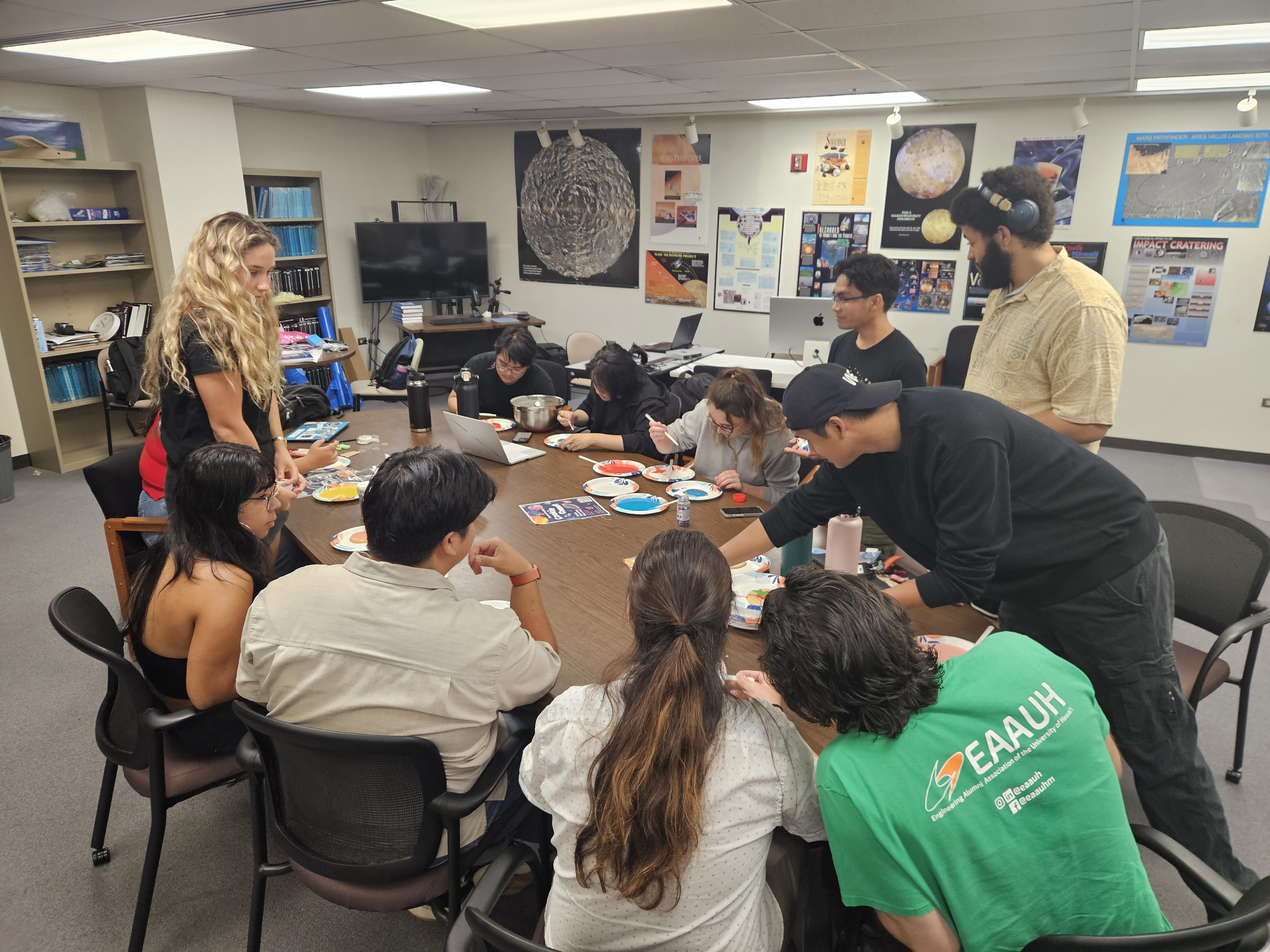
Meet · Build · Explore
Follow our meetings, workshops, project sessions, outreach, and opportunities—all in one live calendar.

Live chapter calendar
New events and schedule changes from the chapter calendar appear here automatically.
Sign in as uhaiaa@hawaii.edu on a computer, open Google Calendar's Settings and sharing, then under Access permissions for events choose Make available to public and See all event details. If the option is unavailable, a UH Google Workspace administrator must enable public sharing.
One calendar, everywhere
Chapter officers can keep using their familiar Google Calendar workflow—no separate website upload is needed.
Create or edit an event on the calendar owned by uhaiaa@hawaii.edu.
Save the event with its date, time, location, description, and default public visibility.
The Events page reflects the calendar automatically, including later edits or cancellations.
Send the chapter the details and we can add it to the calendar.